
Install to first widget live, self-serve.
No sales call, no forced onboarding queue. Connect your sources, tag products against real content, and publish a widget: most stores have the first one live in about 4 minutes. Iris, Idukki's AI assistant, walks you through each step inside the dashboard.
What actually happens between install and your first sale-driving widget.
Same setup flow as inside the dashboard, in order. Skip a step and come back to it later, nothing blocks you from publishing early and refining after.
- 01
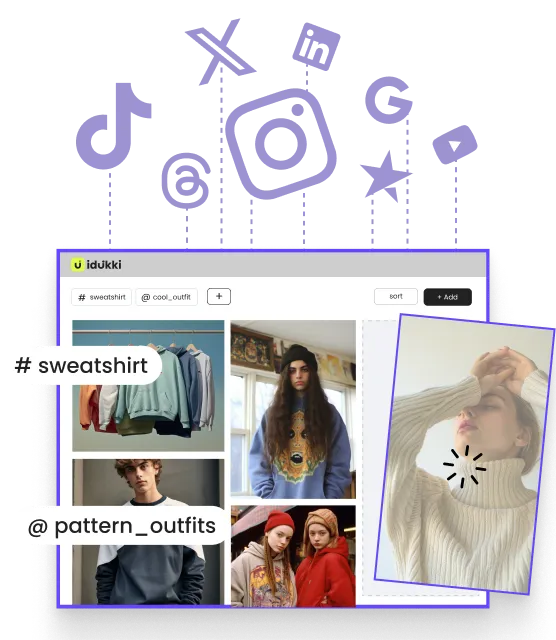
Connect your sources
Link Instagram, TikTok, YouTube, Twitter, LinkedIn or Threads, plus Google Reviews, Trustpilot, Feefo and TripAdvisor. Collection starts automatically, no manual uploads required to get going.
- 02
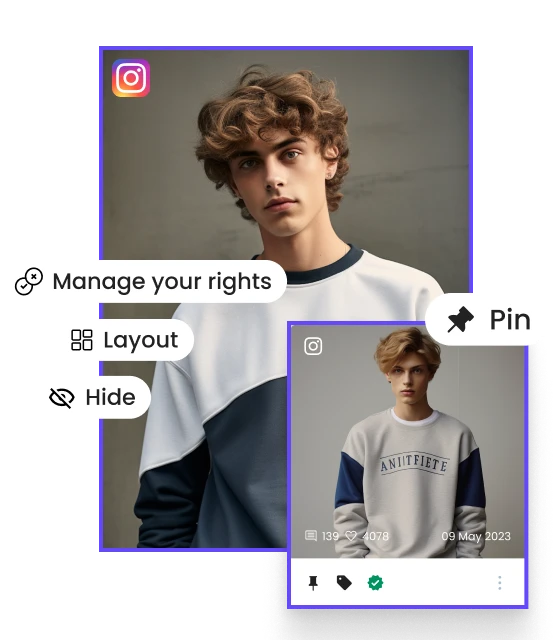
Set brand profile + tone
Walk through brand identity and content guidelines once. Curation and brand-safety filters, the same ones that keep your galleries on-brand, inherit it from here on.
- 03
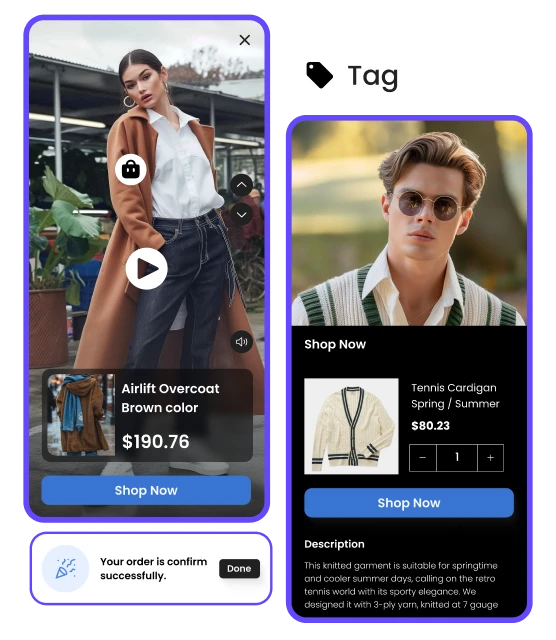
Tag products against content
Map incoming UGC to product SKUs and collections, one click at a time or with AI-assisted tagging suggestions to speed up the backlog.
- 04
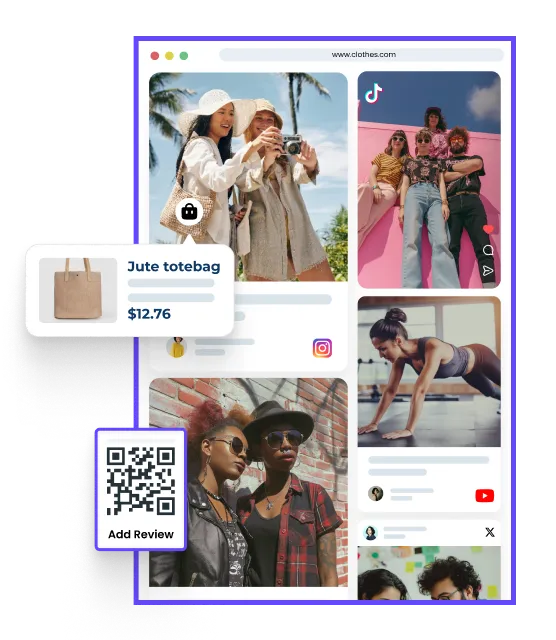
Design + publish a widget
Pick a layout, gallery, shoppable video, lookbook or story, apply your brand palette, and drop it into a theme block or embed snippet.
Iris runs the setup with you, not a chatbot bolted on after.
Iris lives in the dashboard's Getting started tab and stays on for the life of the account, surfacing your best UGC, drafting product tags, answering setup questions, and flagging what still needs attention.
- Surfaces your best-performing UGC across connected sources
- Drafts product-tag suggestions on incoming content
- Answers setup and configuration questions in plain language
- Flags rights-pending content before it can appear on a widget
Stop renting six tools. Ship one.
Spin up your first widget in 4 minutes. Migrate from Bazaarvoice, EmbedSocial, Tolstoy or Videowise in a day. Your CFO will love us. Your CRO already does.
- No credit card
- Cancel anytime
- SOC 2 + GDPR


